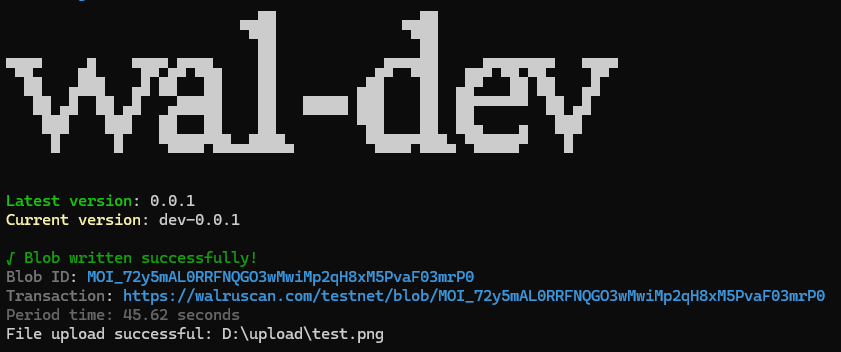
Upload file with "Path:/to/x.x" or "text" on Walrus
Command wal upload
bash
wal upload <data>- Any data files that need to be uploaded By specifying the location of the file
Usage
INFO
Can support many file formats such as .png, .txt, .jpeg, .pdf, .gif, .mp3
"Uploading and writing blobs requires $WAL, if you need $WAL use the wal get command."
bash
wal upload "Path:/to/x.x" --privateKey suiprivkey0x1... --network testnetbash
wal upload "Path:/to/x.x" -pk suiprivkey0x1... -n testnetor
bash
wal upload "TEXT - Test upload with wal-dev" --privateKey suiprivkey0x1... --network testnetbash
wal upload "TEXT - Test upload with wal-dev" -pk suiprivkey0x1... -n testnet
Option
🔴 Required, 🟡 Optional
- 🔴
-pk, --privateKey<key>: Private key sign the transaction - 🟡
-n, --network<network>: Specify network mainnet or testnet
Result